01Lifecycle
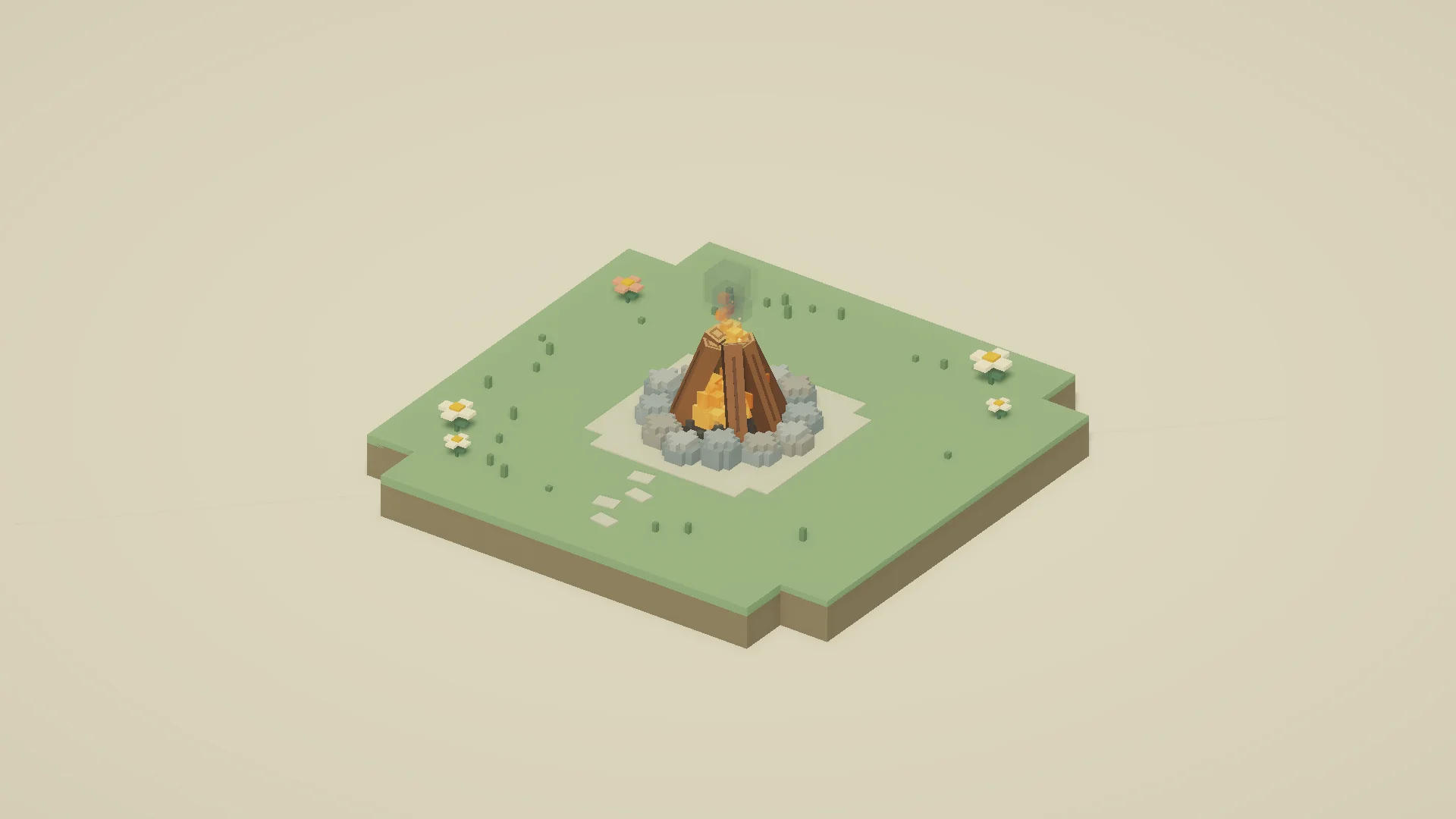
Campfire
A little warmth.
Ignition, a continuous loop, and a graceful release.
See Unity screenshots →Explore the guide →DEV505 / SOUND LAB
Give your world a voice. Build sounds in graphs, bring them to life in code, and learn by playing.
Made for Unity. Explained one small scene at a time.
Connect clips, parameters, and actions in a graph. Give each sound a beginning, a rhythm, and an ending.
Ask for a sound by name. Make it move with an object. Keep a handle to change, pause, or stop that particular play.
Ten small scenes make the ideas tangible, from a single crackle to an entire rocket launch.
The graph handles ignition, the crackling loop, and the extinguish cue. Your code asks it to begin—and tells it when to end.
var result = SoundBus.Play(Sounds.Campfire, transform);if (result.Accepted)    fire = result.Handle;
// Later, when the player puts the fire out:SoundBus.Stop(fire, fade: 0.15f);
Play the event by its key. Keep the handle to stop this fire later.
Start with Campfire, then explore all ten scenes with complete walkthroughs and practical code recipes.
Campfire
Ignition, a continuous loop, and a graceful release.
See Unity screenshots →Explore the guide →Footstep
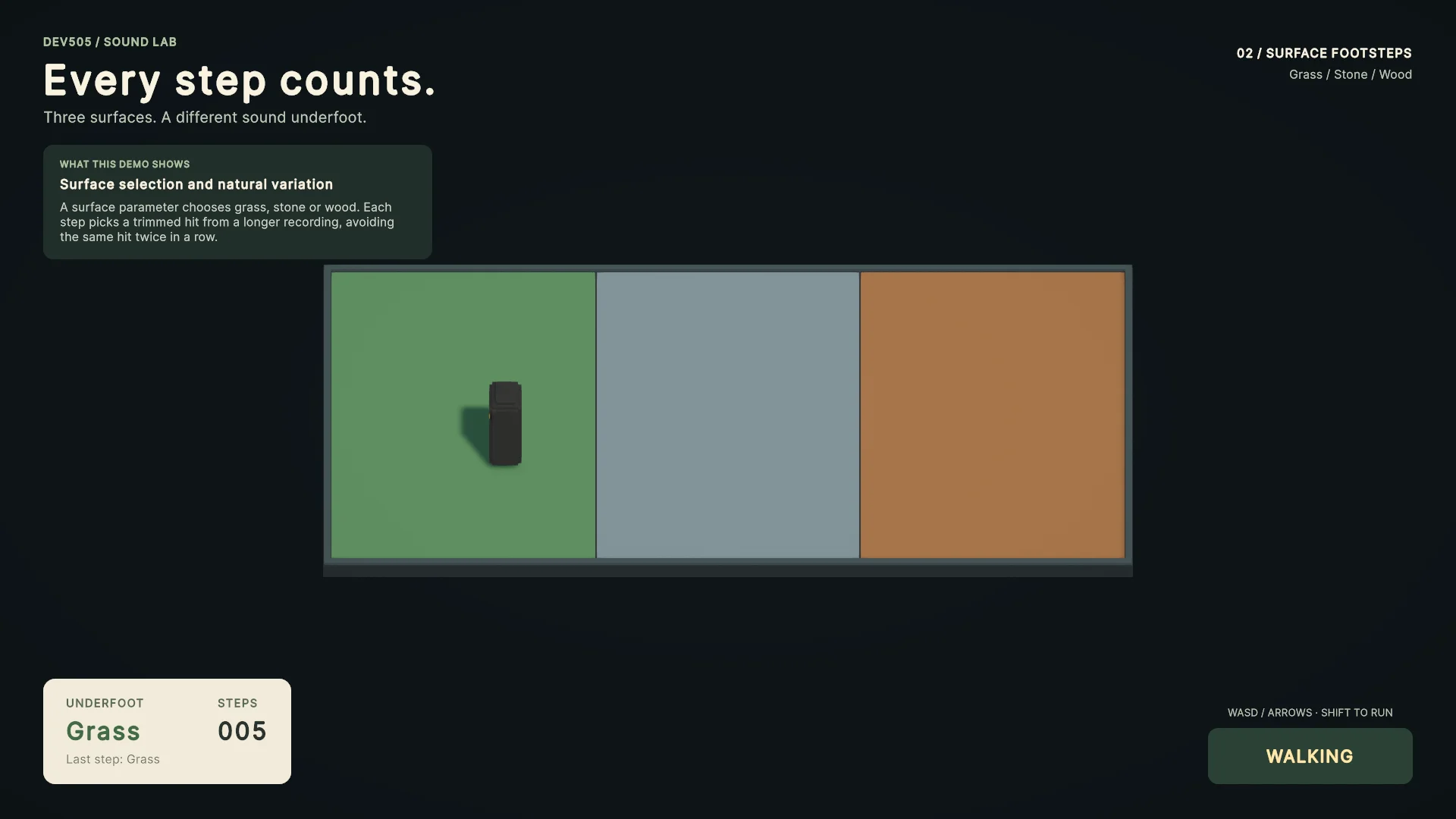
One footfall. Three surfaces. Many trimmed variations.
See Unity screenshots →Explore the guide →Bee
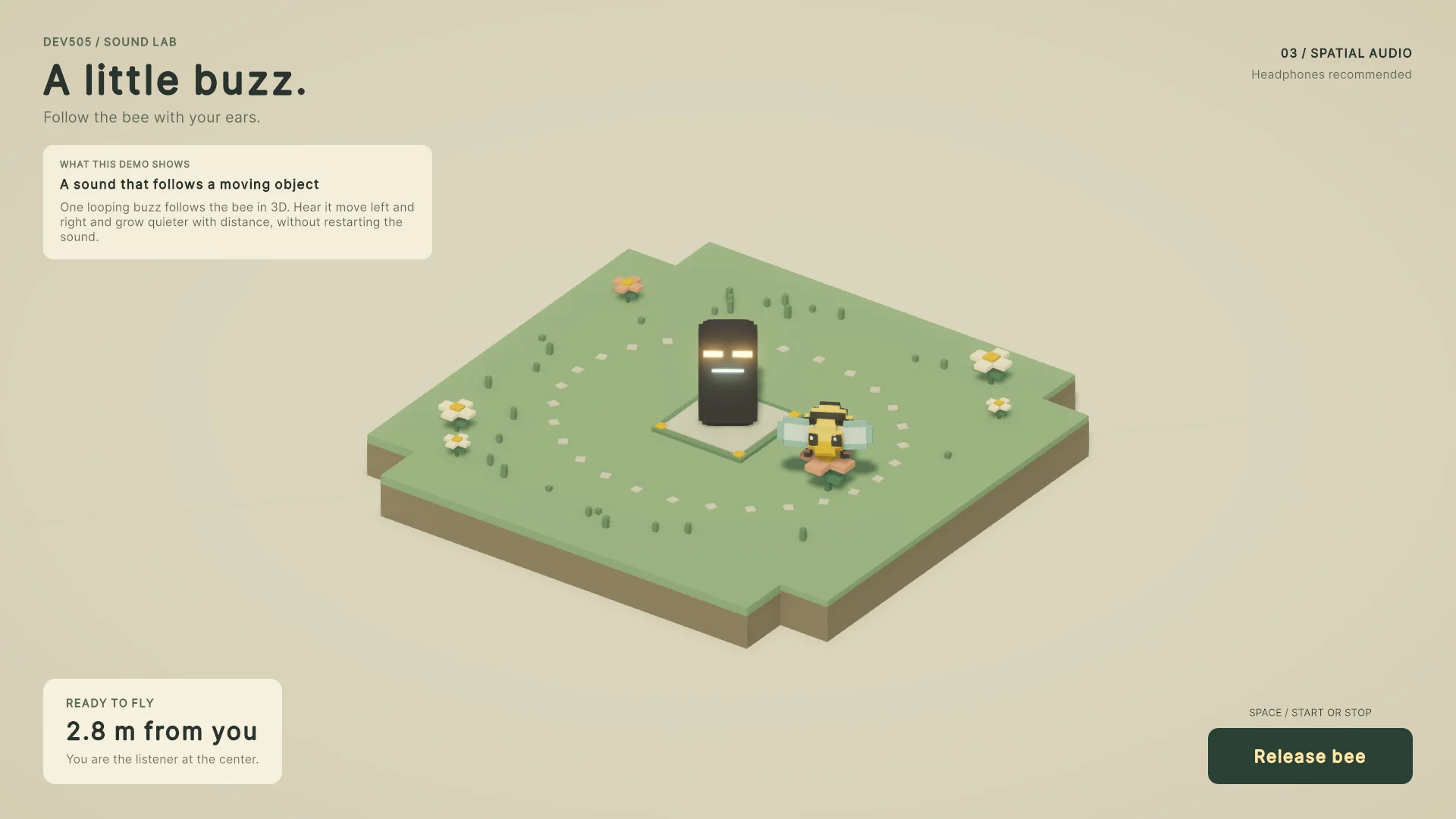
Follow a tiny moving emitter through 3D space.
See Unity screenshots →Explore the guide →Engine
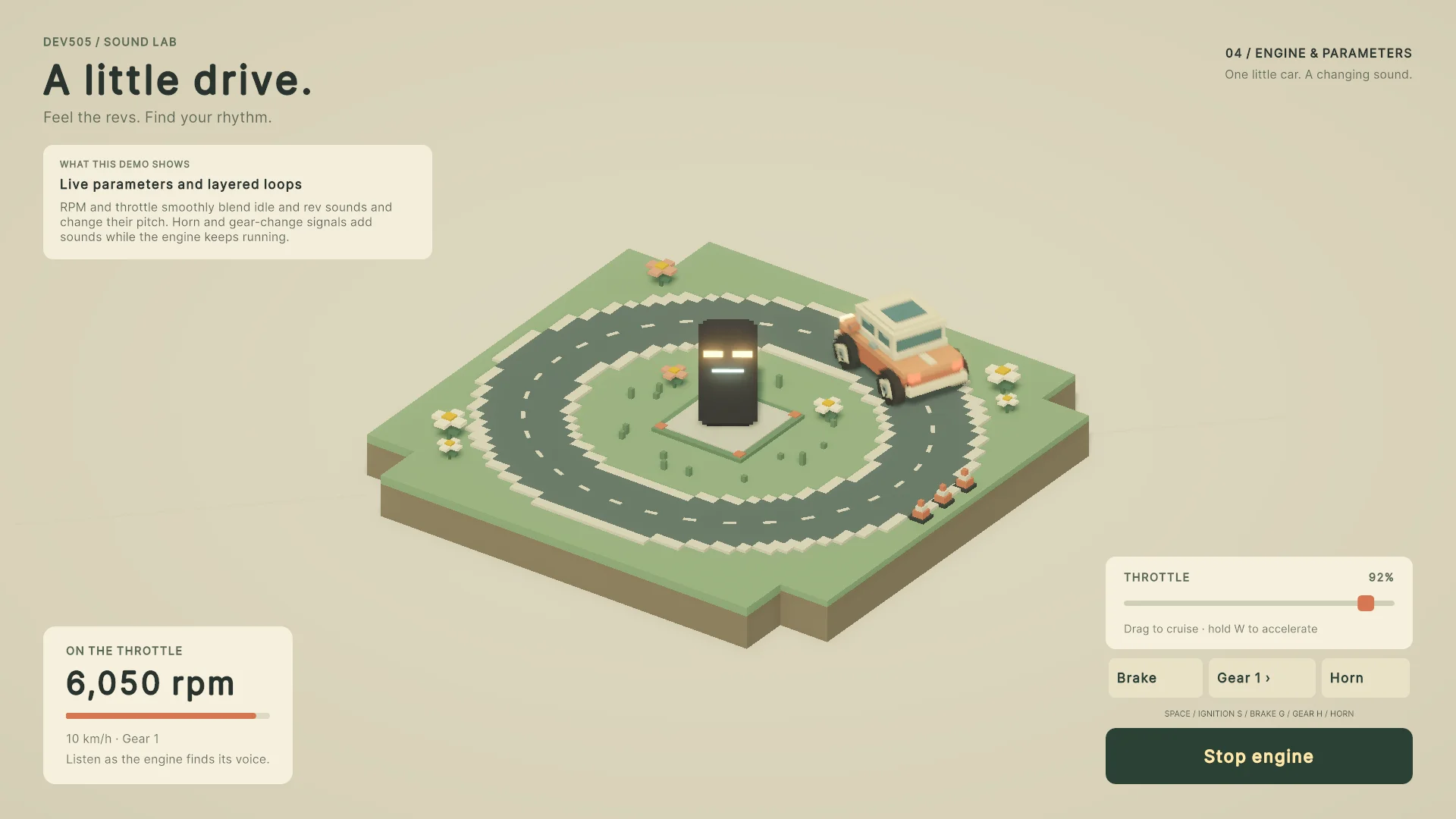
Shape layered loops with RPM, load, and signals.
See Unity screenshots →Explore the guide →Weather
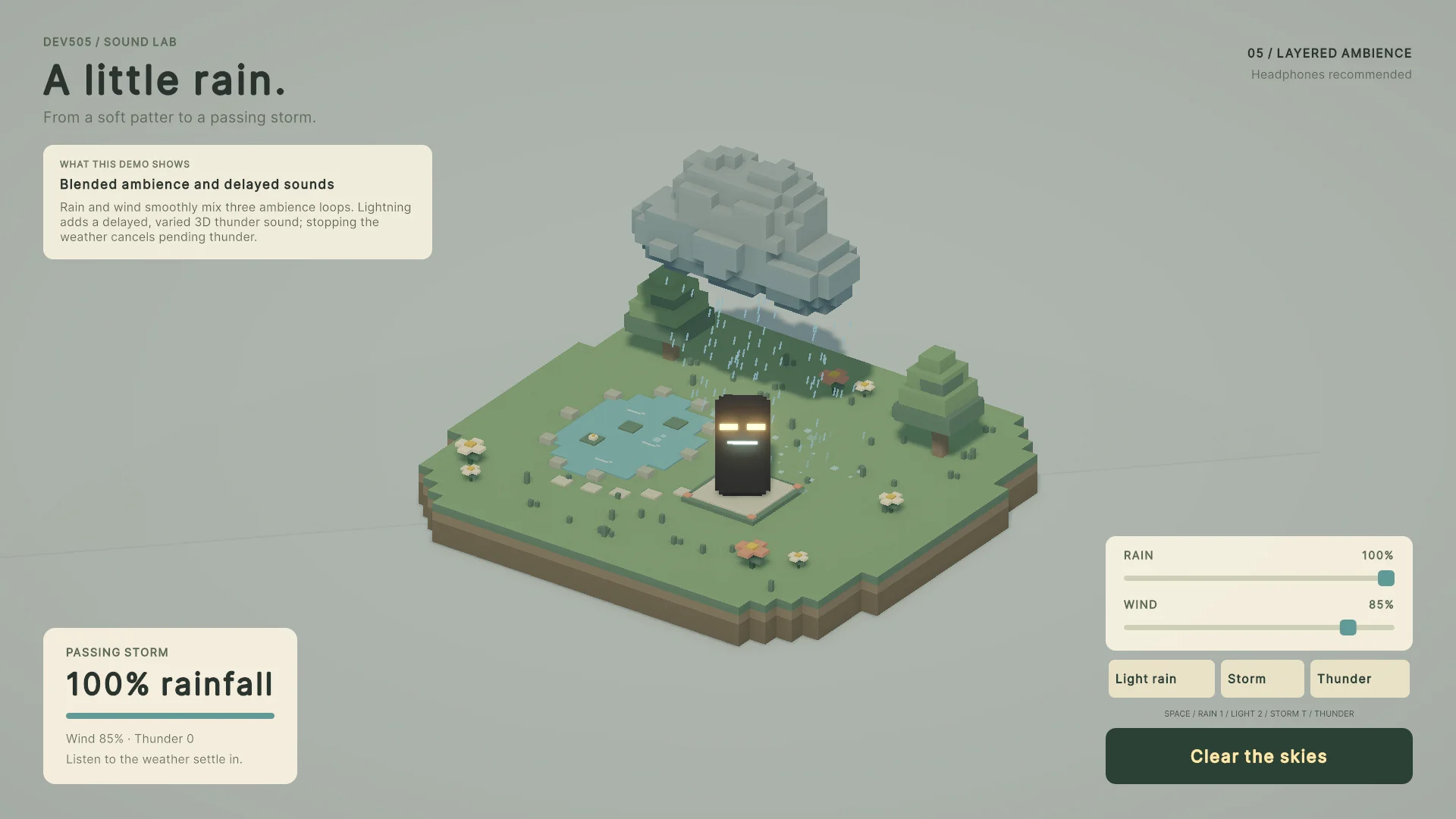
Blend a storm, then hear thunder from its strike.
See Unity screenshots →Explore the guide →Workshop
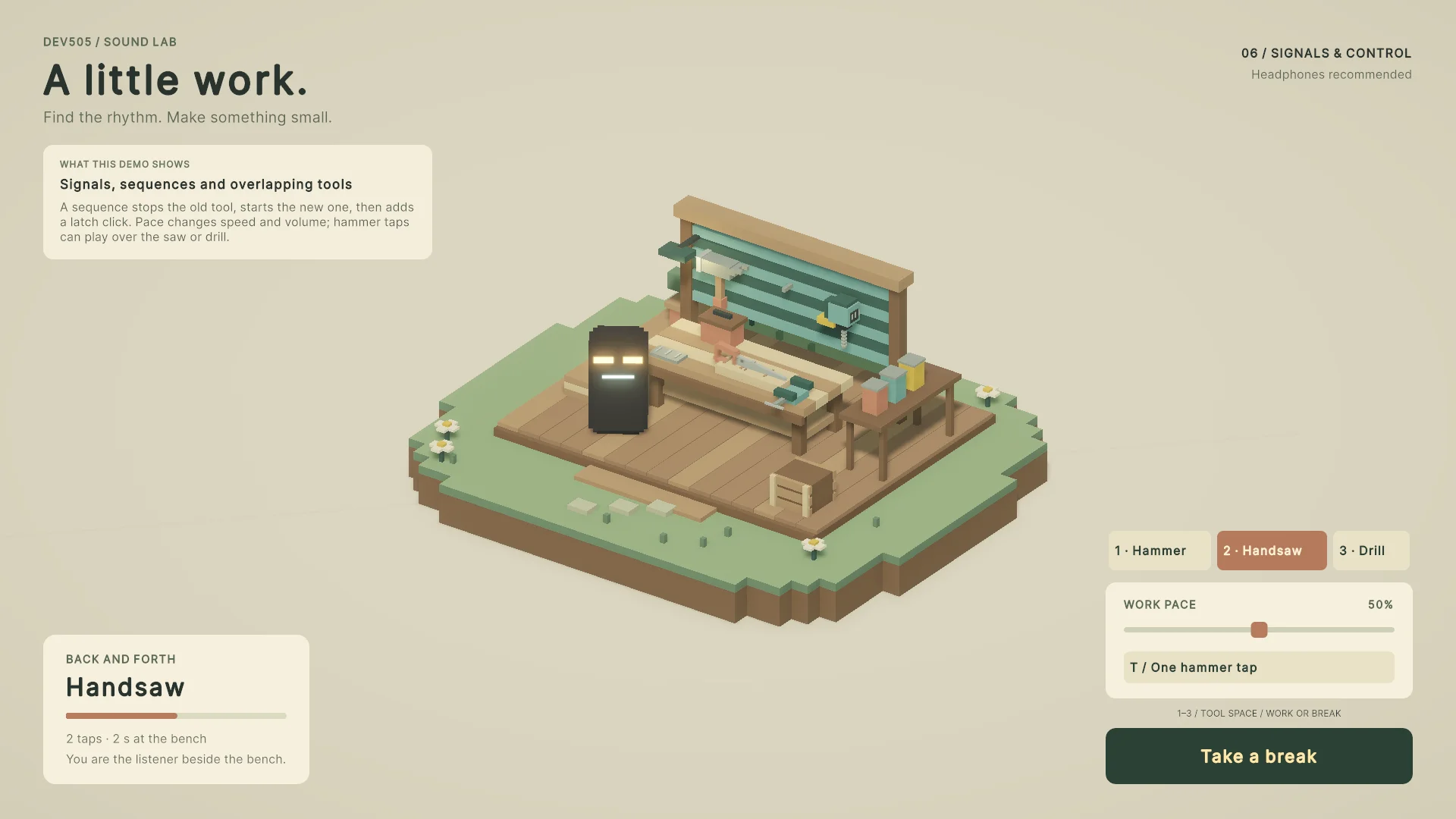
Switch tools, order actions, and overlap hammer taps.
See Unity screenshots →Explore the guide →Arcade
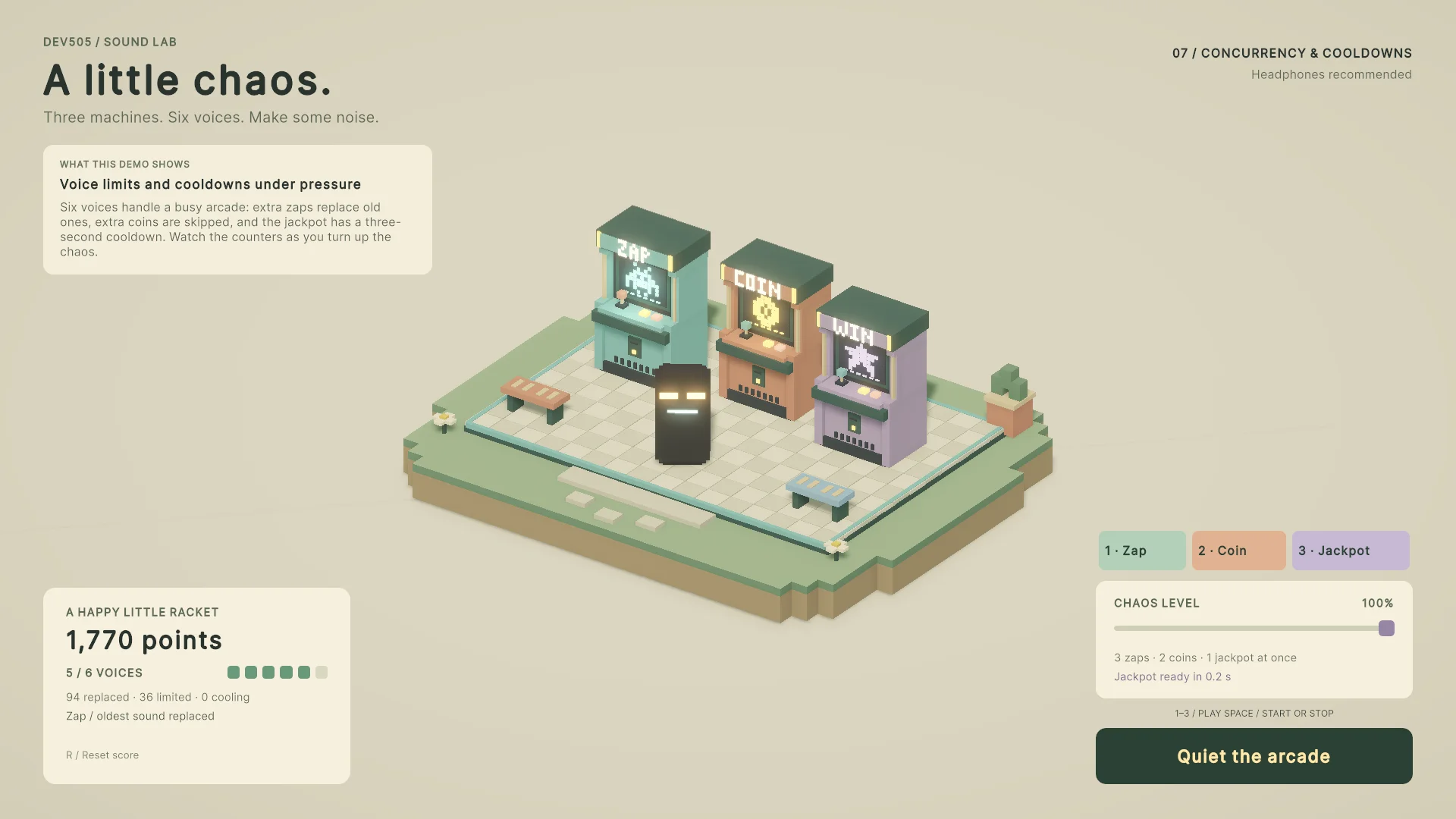
See what happens when a crowd of sounds competes.
See Unity screenshots →Explore the guide →Jukebox
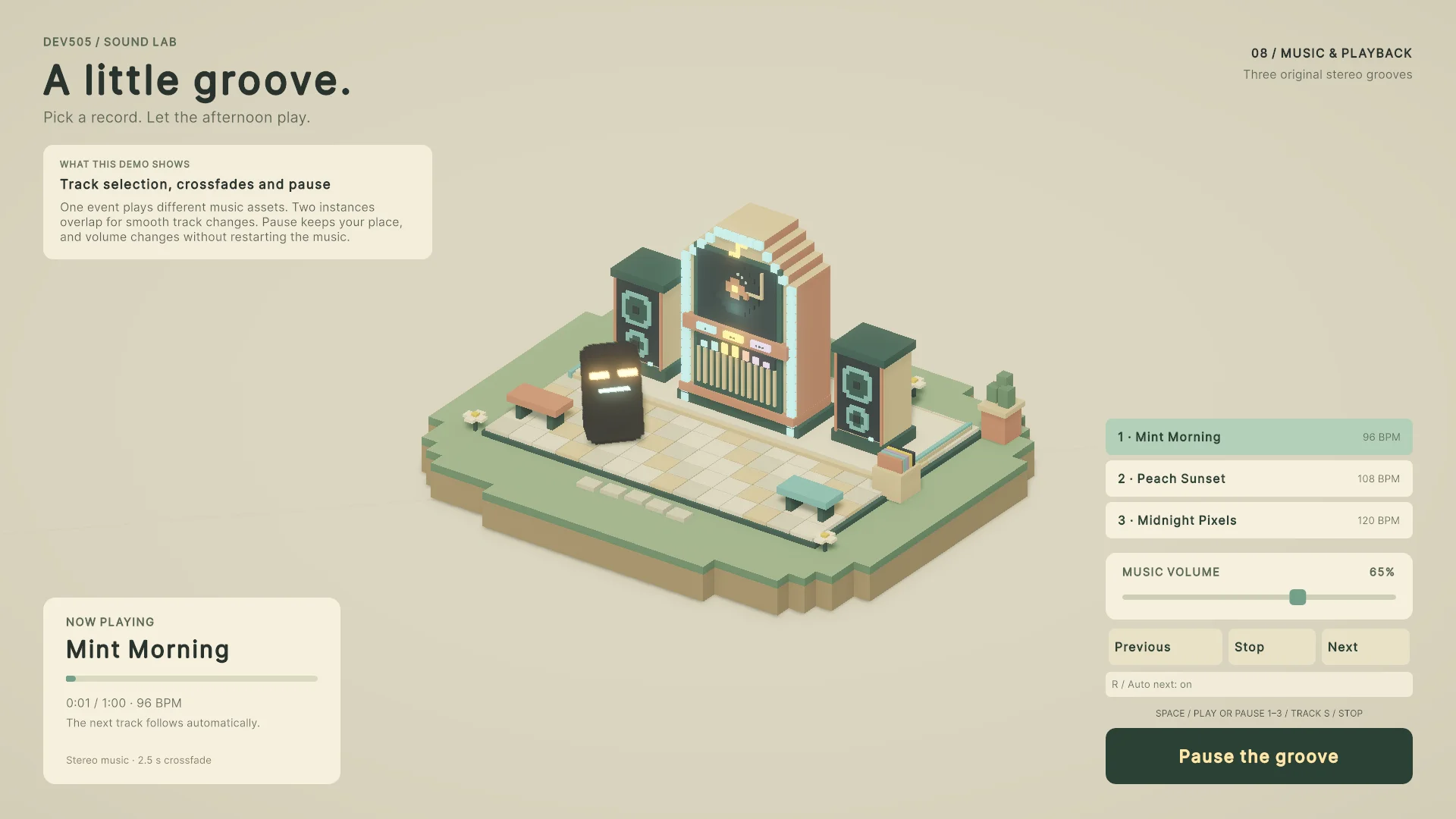
Crossfade two tracks and keep a little dancer moving.
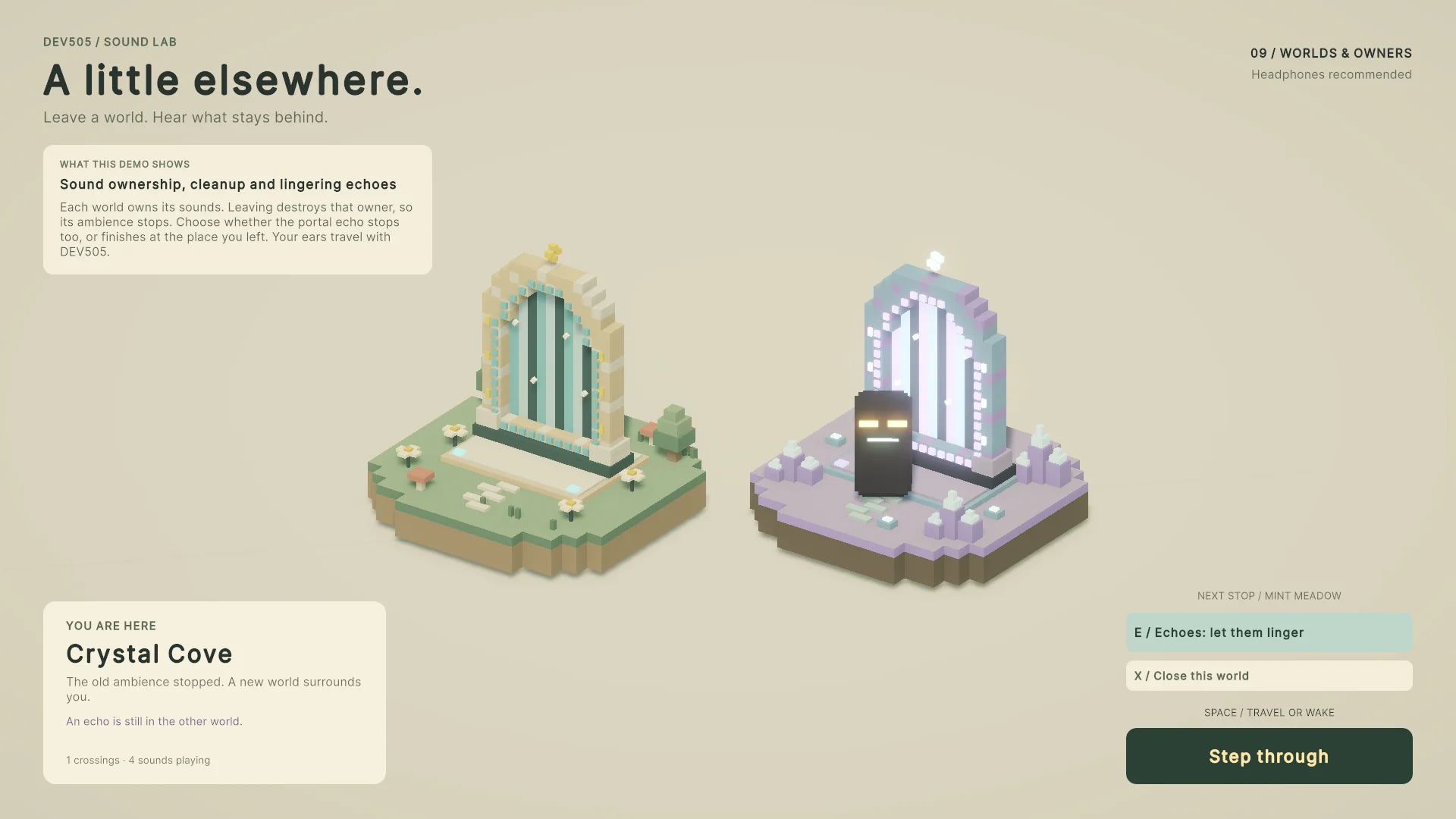
See Unity screenshots →Explore the guide →Portals
Let a world go. Choose which sounds stay behind.
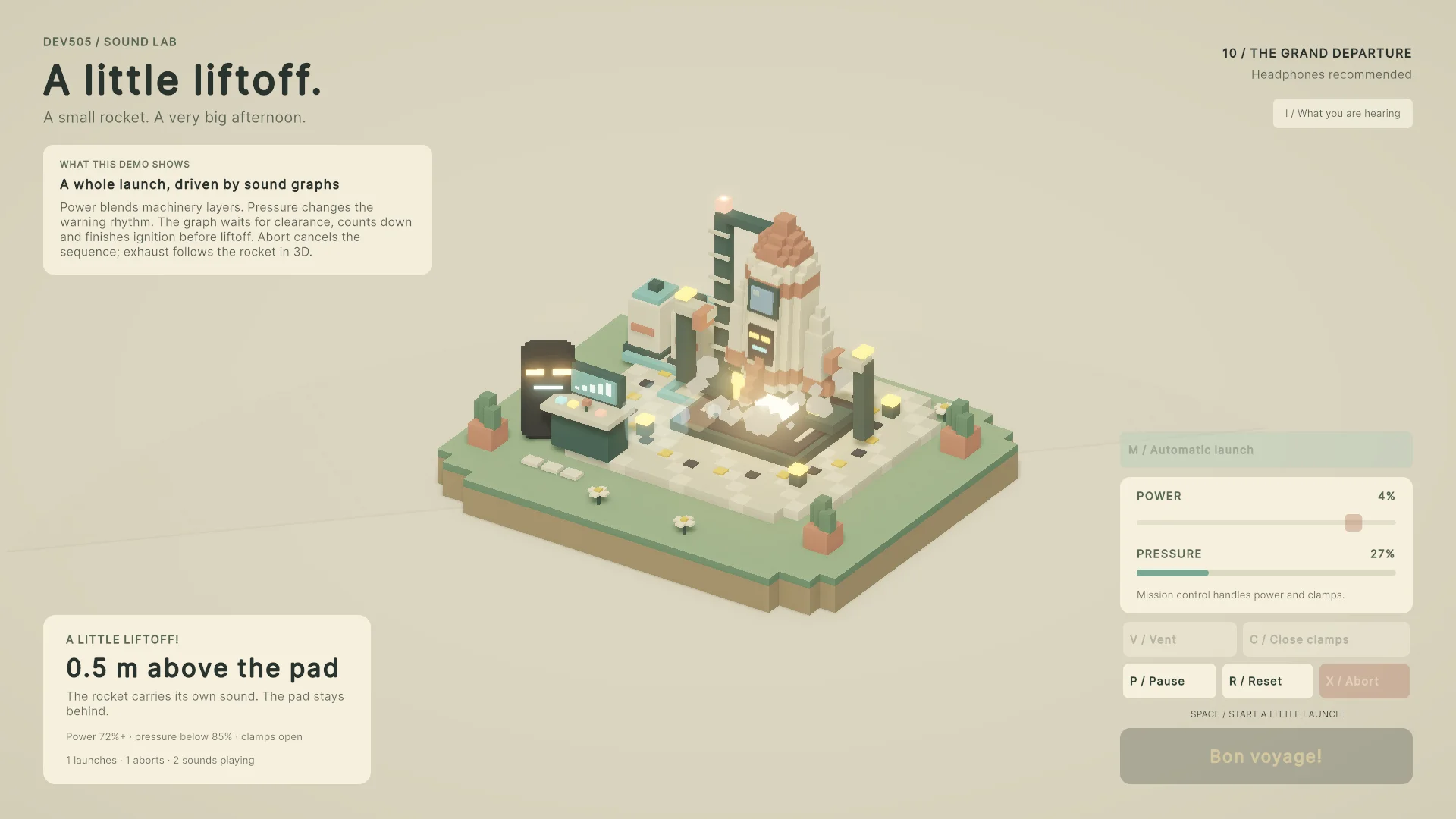
See Unity screenshots →Explore the guide →Launch
Conditions, countdowns, aborts, and a flying finale.
See Unity screenshots →Explore the guide →